
Travel Tips
Japan Travel Checklist: Connectivity, Apps, and Arrival Tips
March 4, 2026

Quick summary
Before Japan, install your eSIM, download transit and translation apps, and prepare IC payment options. Land, switch cellular data to Travel, and you are ready for trains and maps.
Before departure
Confirm passport validity, hotel addresses in Japanese, and eSIM compatibility. Purchase and install your Japan eSIM while you still have reliable Wi‑Fi.
- eSIM installed and labeled Travel
- Offline maps for Tokyo/Osaka neighborhoods
- Translation app downloaded
- Hotel confirmation screenshots saved offline
Apps worth downloading
Google Maps or Apple Maps, a translation app, your airline app, and a transit-friendly tool for IC cards or tickets will cover most trips. Messaging apps should already be on your home number.
Arrival day connectivity
After landing, set Cellular Data to your Travel eSIM and enable data roaming on that line. Follow airport Wi‑Fi only if needed for a quick fix—your eSIM should handle maps to the train or bus.
Money and transit notes
IC cards (Suica/Pasmo and equivalents) and contactless payments are widely accepted in cities. Having mobile data helps you top up, check routes, and find ATMs if a card fails.
Frequently asked questions
Pocket Wi‑Fi adds pickup/return logistics. An eSIM is lighter for solo travelers and couples. Groups sharing one hotspot may still prefer a dedicated router.
Recommended next step
Ready to buy? Open the destination page for plans sized to your trip.
Related articles
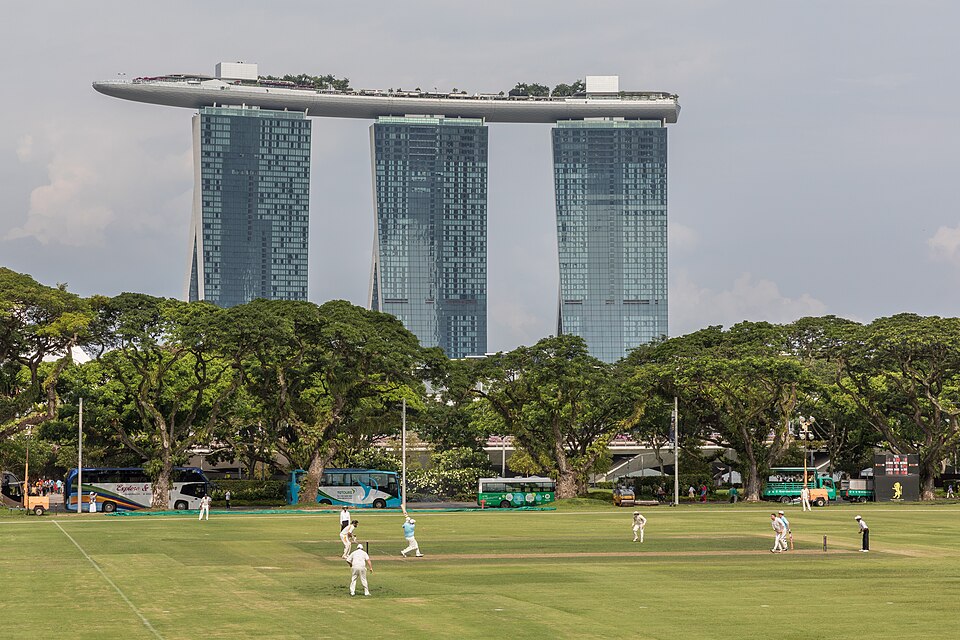
A Tourist's Guide To St. Patrick's Day In Ireland
Top o' the mornin' to ya! As March dawns with the promise of spring, Ireland begins to buzz with an energy that is both palpable and infectious. This energy is in anticipation of St. Patrick's Day, a cultural and religious celebration held on 17th March, commemorating St. Patrick, the foremost patron saint of Ireland. For tourists around the globe, this day presents a unique opportunity to experience the heart and soul of Irish culture.
Jul 16, 2026
Brazil Travel Guide: An Adrenaline Rush Paradise For Thrill Seekers
Are you ready to embark on a journey filled with vibrant culture, stunning landscapes, and unforgettable experiences? Look no further than Brazil! This South American gem is a paradise for thrill-seekers and culture enthusiasts alike. eSIM KH invites you to discover the wonders of Brazil with this rich travel guide.
Jun 5, 2026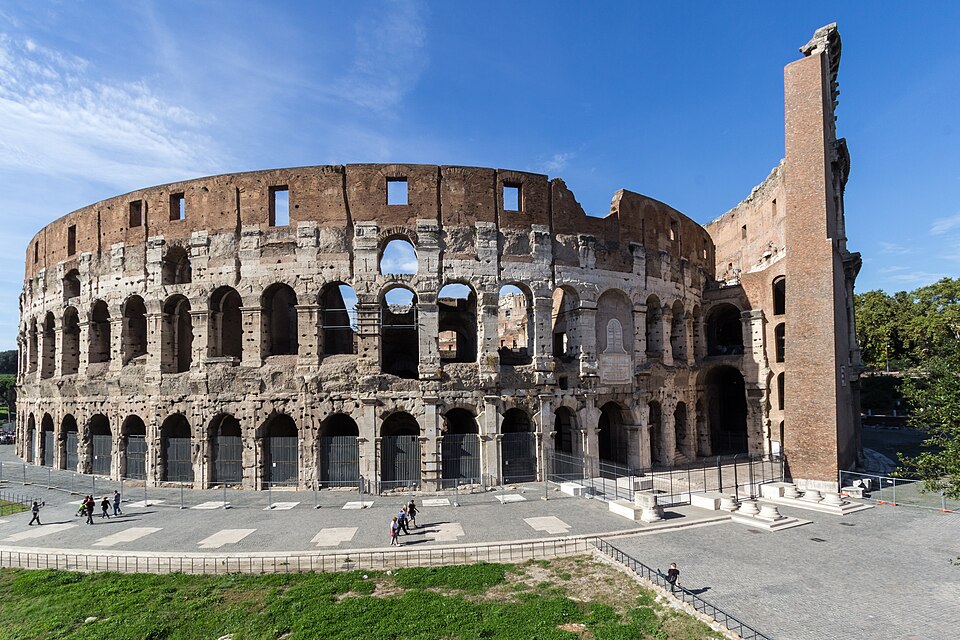
Italy Travel Guide: The Essence Of Romance, Art, And Gastronomy
Embark on a journey to the land of romance, art, and exquisite cuisine. Italy, a country steeped in history and culture, offers a sensory experience like no other. From the rolling hills of Tuscany to the ancient ruins of Rome, every corner of Italy exudes elegance and charm.
Mar 13, 2026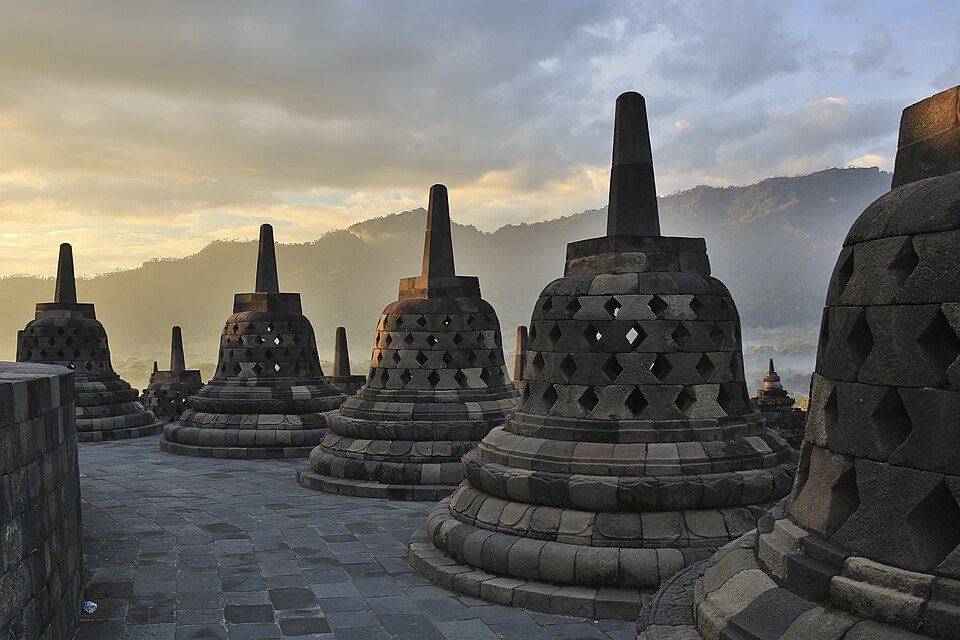
Indonesia Travel Guide: The Most Unique Destination Ever
Welcome, fellow adventurers! First things first, let's get acquainted with this tropical paradise. Indonesia is an archipelago consisting of over 17,000 islands (yes, you read that right!). It's like a treasure trove waiting to be discovered. From the iconic Bali with its stunning beaches and vibrant nightlife to the cultural hub of Yogyakarta with its ancient temples and traditional arts, Indonesia will leave you in awe at every turn.
Mar 12, 2026